

4 ways to optimize your Google Business Profile to drive more leads
.jpg)

.svg)
.svg)
.svg)
Your Google Business Profile is the most visible version of your business
When someone searches for a plumber or HVAC contractor in your area, your Google Business Profile may be one of the first things they see, often before they visit your website or social media pages. For many customers, it's enough info to decide whether to call or not.
The good news: optimizing it costs nothing and takes less time than most contractors think. Here are four areas worth focusing on.
1. Build a review system, not a review request
Reviews can affect both how high you appear in local search results and whether customers trust you. Google says more reviews and positive ratings can help your local ranking. A lack of reviews or a handful of unanswered complaints can cause customers to move on before they ever call.
One way to build a strong Google presence is to ask every customer to leave a review, every time. Make it a habit: Not just happy customers. Not just big jobs. Every customer.
The quantity of your reviews matters alongside the average rating. A 4.8 from 12 people reads much differently than a 4.8 from 340 people.
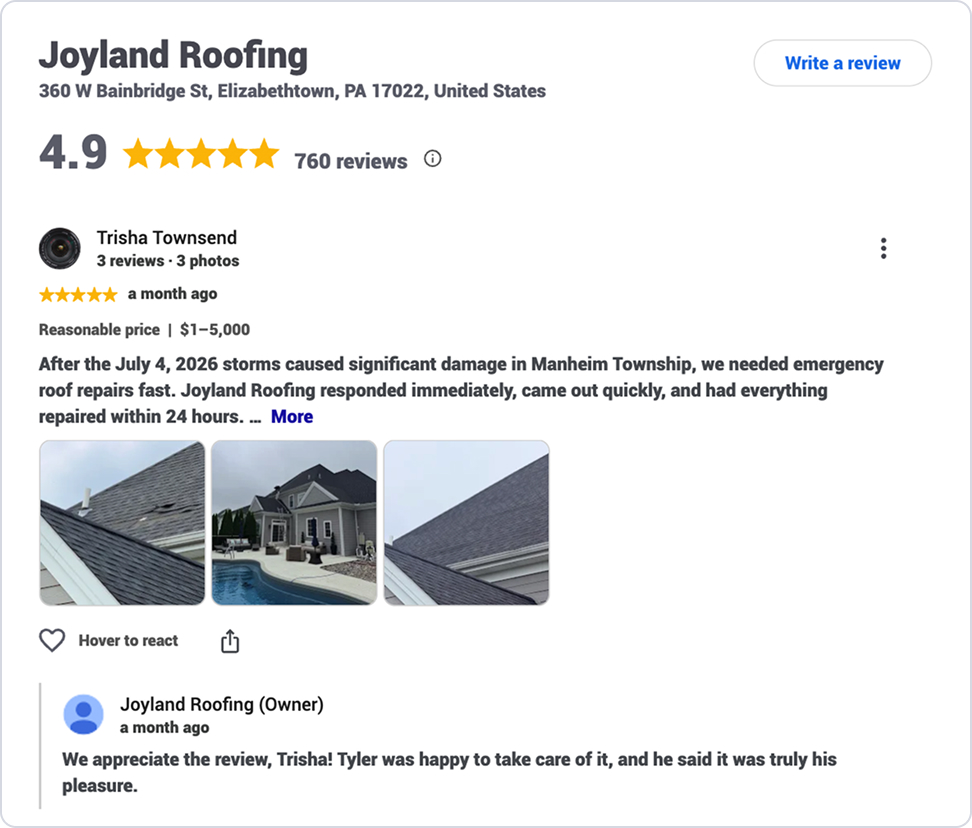
How to ask without it feeling awkward
The best time to ask is at the close of the job, when the customer has just seen the finished work and has your attention. Keep it simple: "We'd really appreciate you writing a Google review before we leave." Then send a text that includes a direct link to your review page. Make it as easy as possible for them.
Respond to every review — especially the negative ones
Replying to reviews shows prospective customers that you pay attention.
For positive reviews, a short, genuine response is enough.
For negative reviews, respond publicly within 48 hours and keep the message calm. Acknowledge their issue, explain what happened if appropriate, and offer to make it right if necessary. A measured response to a complaint often impresses potential customers.
If you encounter reviews that appear fraudulent or violate Google's policies, you can flag them for removal through the Google Business Profile dashboard.
Review quick-start checklist:
- Get your Google review link (Business Profile > “Read reviews” > “Get more reviews”)
- Ask at job close for a review, then follow up with a text link
- Set a goal — e.g., 5 new reviews per month
- Respond to every review within 48 hours
- Flag any suspicious reviews through the dashboard
2. Fill out every profile field
According to Google, customers are 70% more likely to visit and 50% more likely to consider purchasing from a business with a complete profile. The fields you might be tempted to skip — service categories, service areas, individual services with descriptions — are exactly the ones that help Google match your profile to more searches.
Service categories in particular are critical. Your primary category should be the one that best describes your business. Additional categories can help Google connect you with customers searching for other products or services you offer.
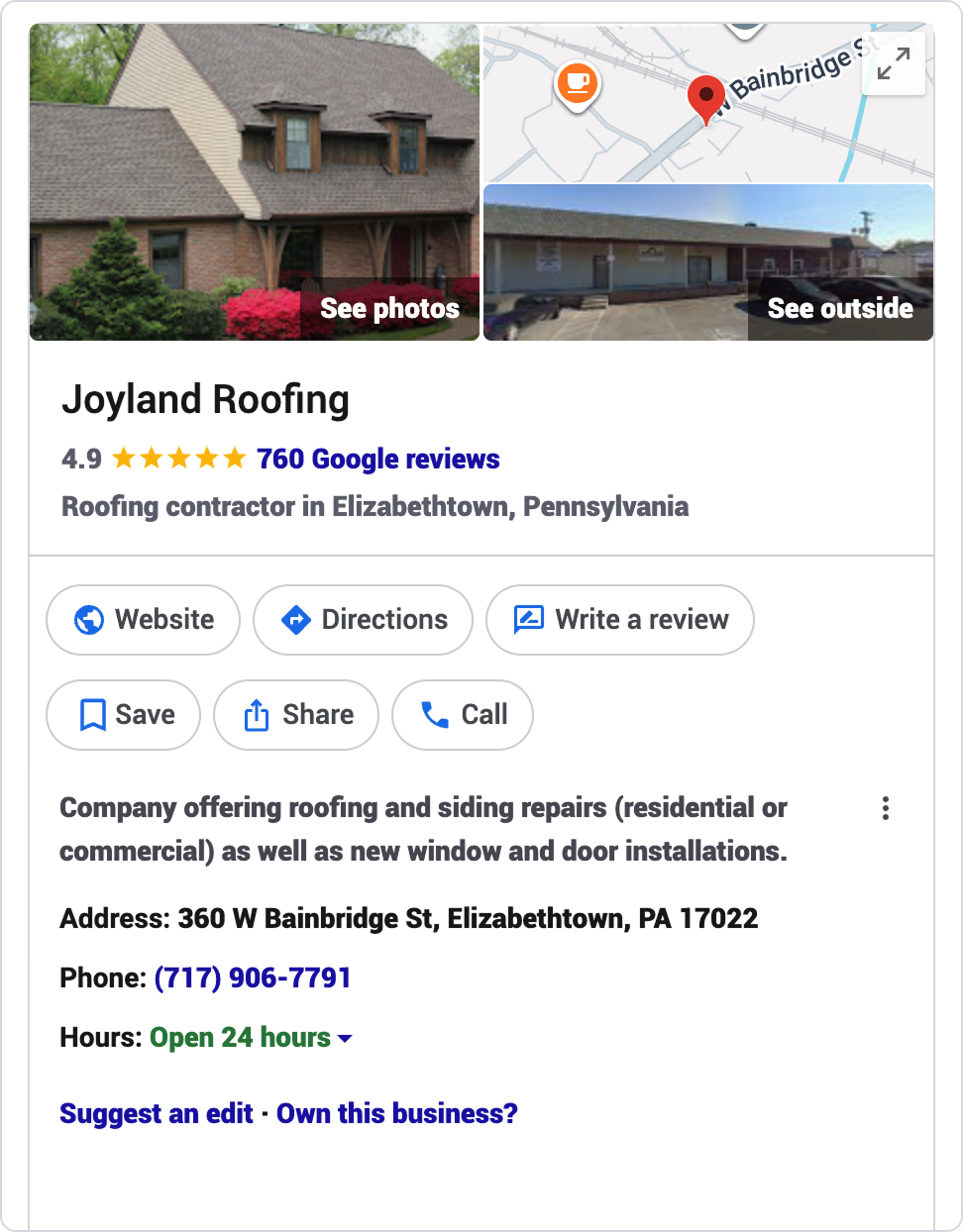
Here are the most important fields to complete:
3. Keep your profile active with posts
A Google Business Profile isn't a set-it-and-forget-it directory listing. Regular posts give prospective customers fresh information and show that your business is active.
Google Posts
Google Posts are short updates that appear directly on your profile. Think of them like a lightweight social media post.
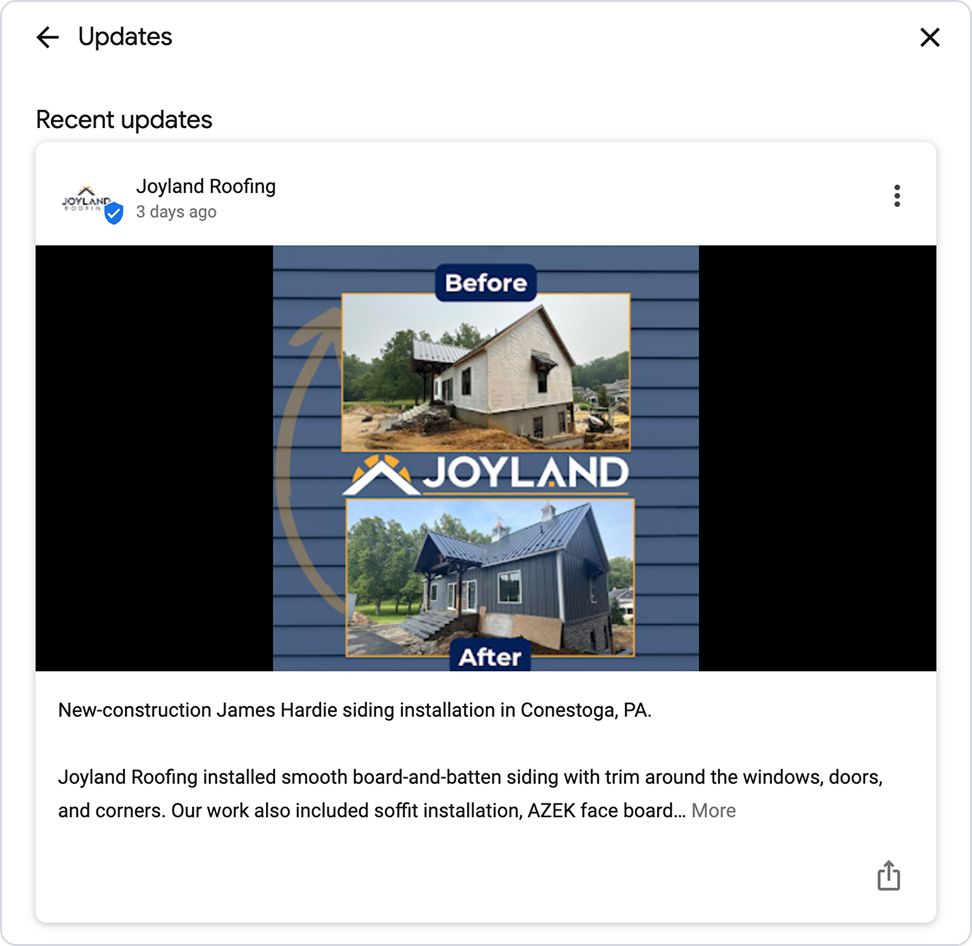
Things that work well: a seasonal promotion, a service reminder, a completed project callout, a tip relevant to your trade. One post per week is a good cadence. Posts older than six months are archived unless you set a date range, so posting regularly helps keep your profile current.
Posts can appear directly on your Business Profile in Search and Maps, giving customers another way to learn about your work. Use natural language that includes your service and location.
4. Mention financing on your profile
Wisetack’s Impact of Financing report found that 88% of customers who used financing were happy and relieved it was offered. If you offer financing, mentioning it on your Google Business Profile is a simple way to build confidence early in their search.
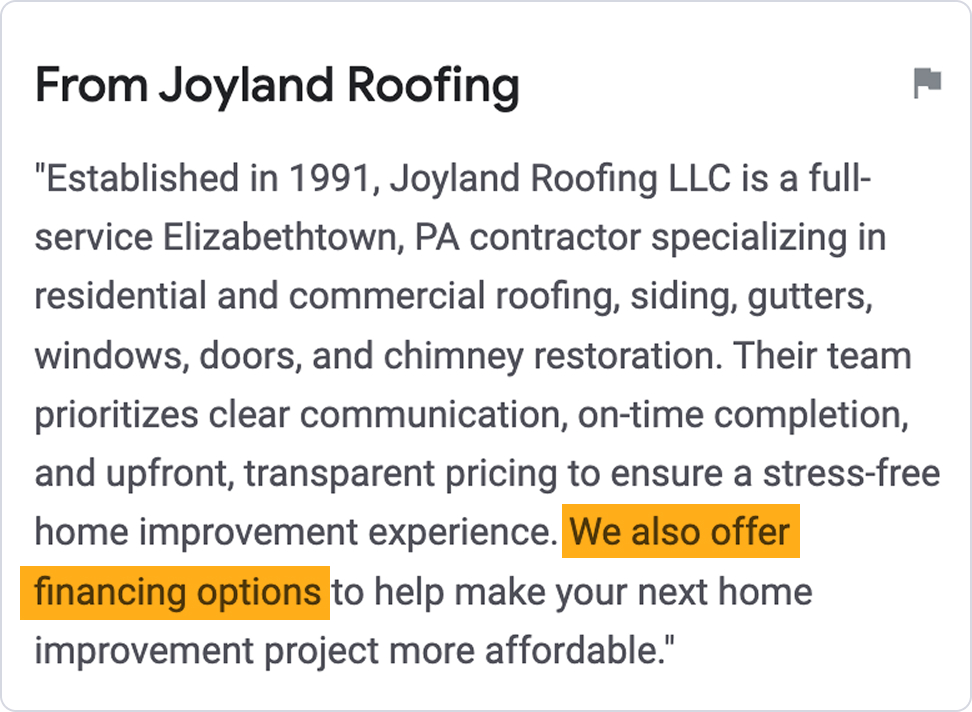
Places to mention it:
Suggested language:
*All financing is subject to credit approval. Your terms may vary. Payment options through Wisetack are provided by our lending partners. For example, a $5,500 purchase could cost $253.54 per month for 24 months, based on a 9.9% APR, or $1,833.33 per month for 3 months, based on a 0% APR. Offers range from 0 to 35.9% APR based on amount requested and creditworthiness. Not all merchants and lending partners participate in 0% interest programs. Terms range from 3 - 120 months and may vary based on merchant, lending partner, or transaction size. State interest rate caps may apply. No prepaid finance charges or participation fees. See additional terms at wisetack.com/faqs.
Join our social community
.svg)
.svg)
.svg)
.svg)
.svg)
.svg)
.svg)